Image editing
New

Posted by Andy Cook
4/11/2025
**You can now edit images directly in Guidemaker! **🎉
Our image editor includes all sorts of useful editing features like annotating with text + shapes, blurring, cropping, and more.
This can be especially useful if you forgot to blur some sensitive information or uploaded a screenshot that needs some additional annotation besides the native click targets.
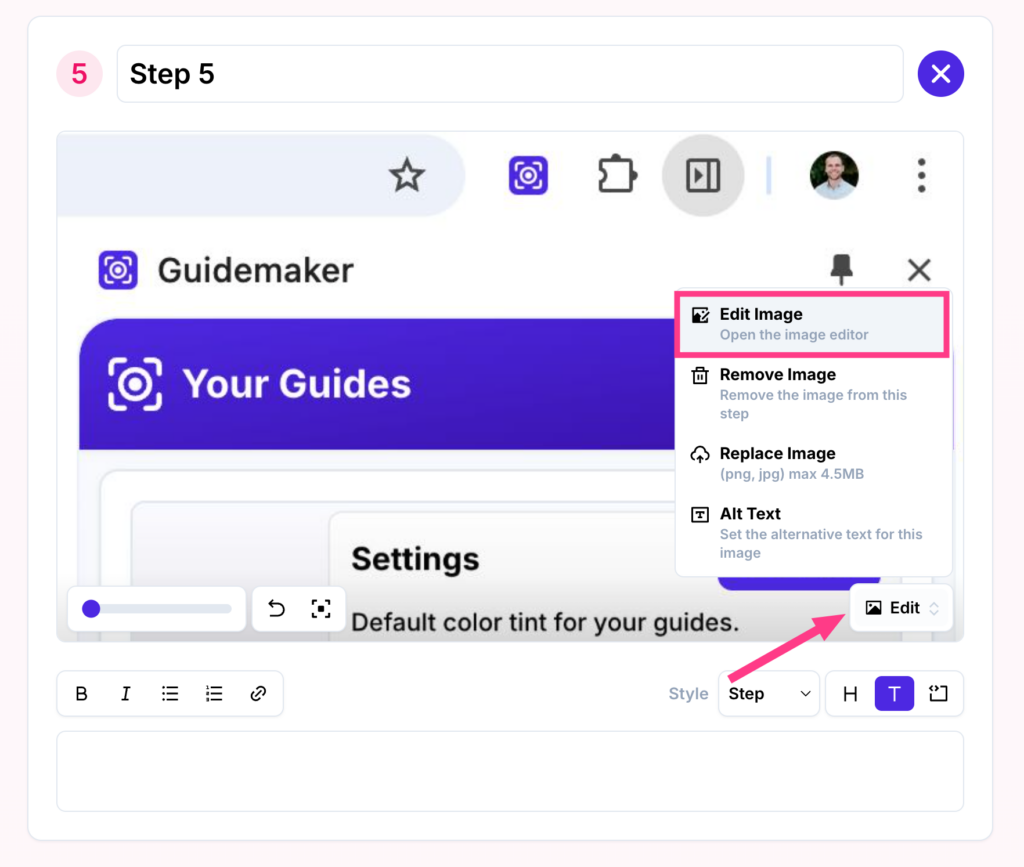
To edit an image, just click the Edit Image button on any step.
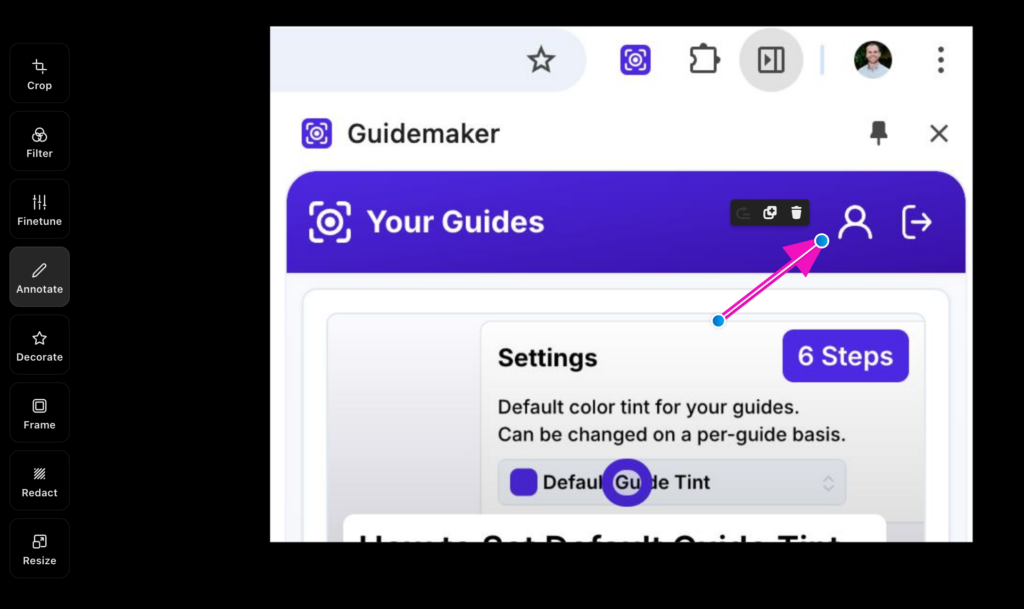
Here's a sample of annotating an image with an arrow
And here's a sample of redacting sensitive information in a screenshot after it was captured
There's plenty more you can do in our new image editor. Check it out and please let us know your feedback!